
Journal
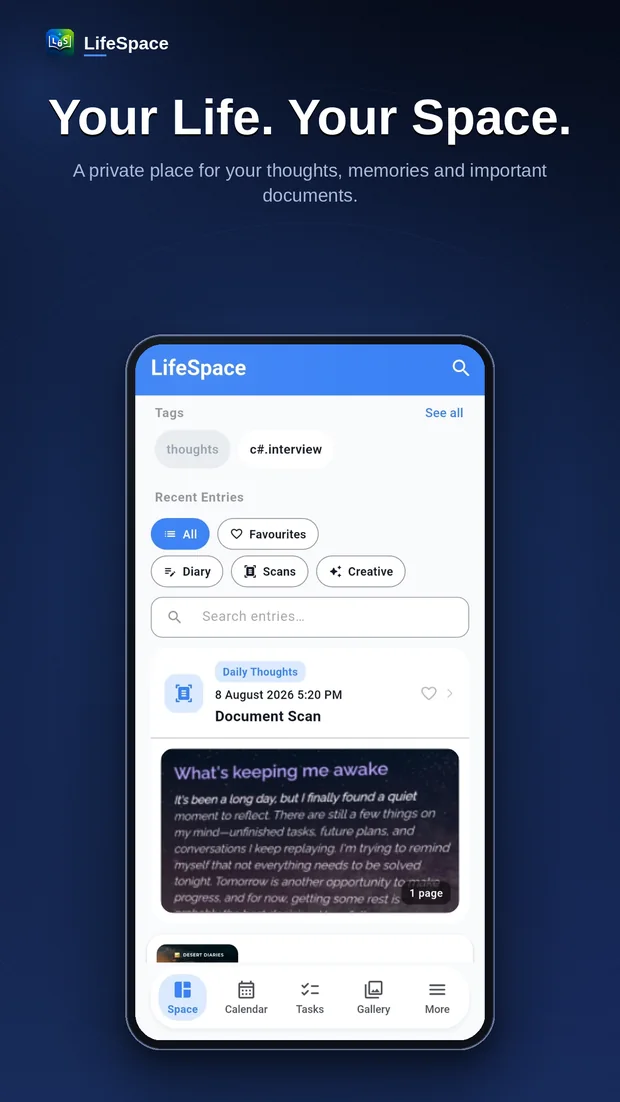
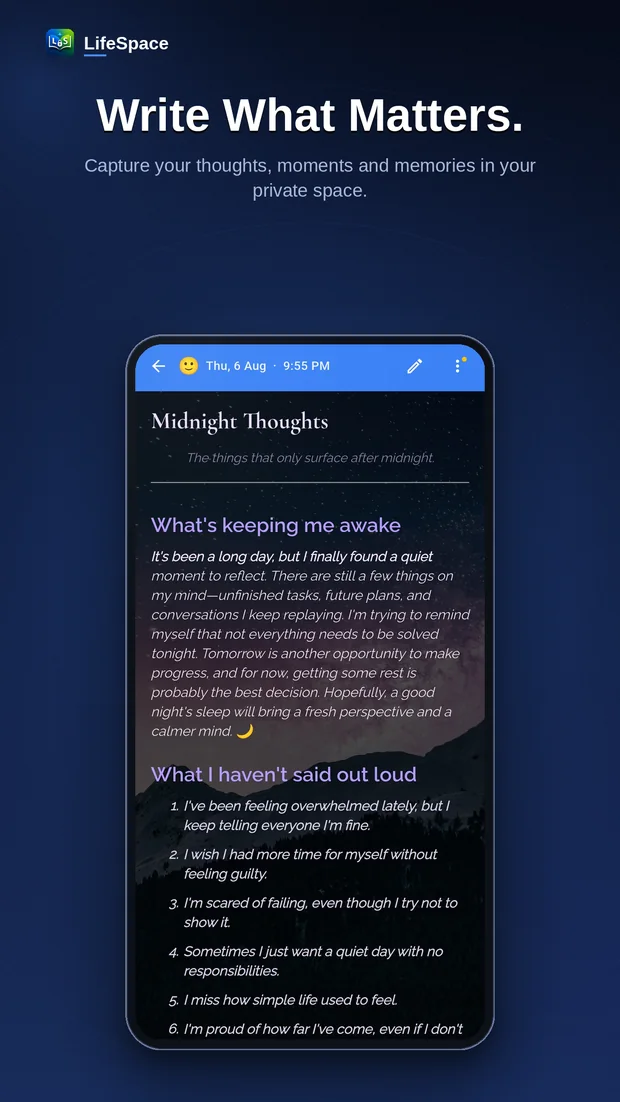
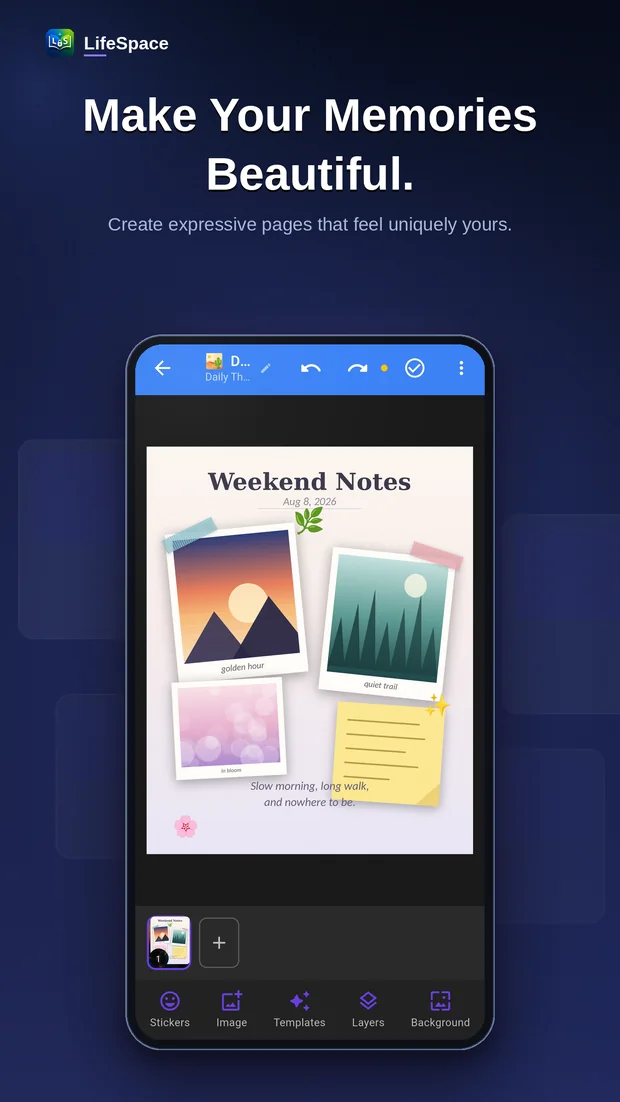
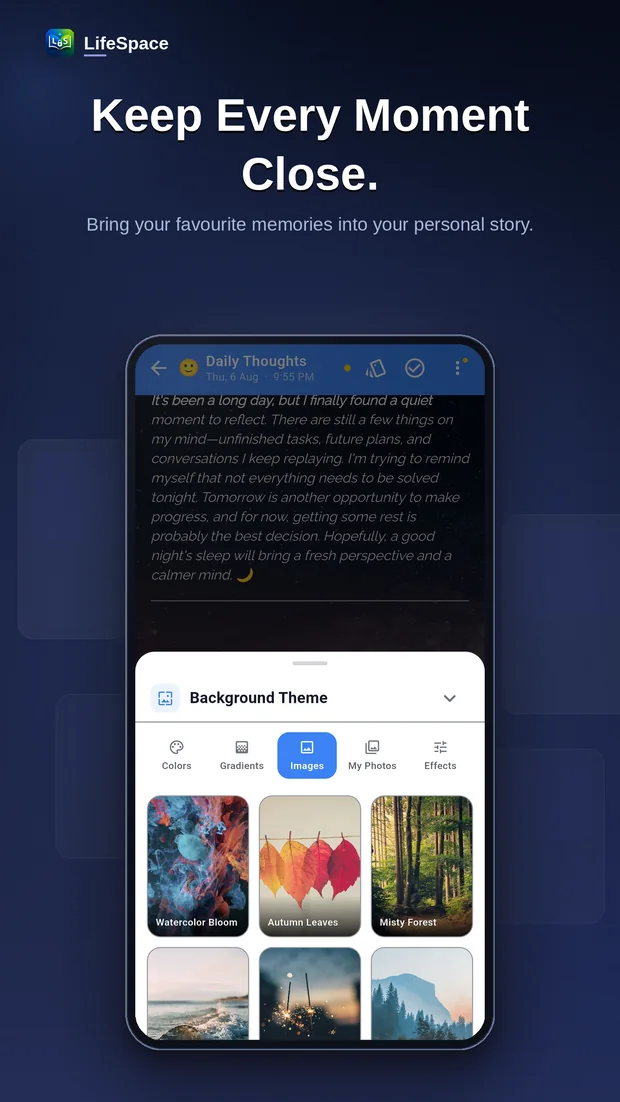
Write entries with photos, audio and tags. Keep separate spaces for different parts of your life.
Android · Coming to Google Play
LifeSpace keeps your journal, scanned documents, photos and daily tasks together on your phone — behind a PIN and your fingerprint.
Drag to explore
What's inside
Write entries with photos, audio and tags. Keep separate spaces for different parts of your life.
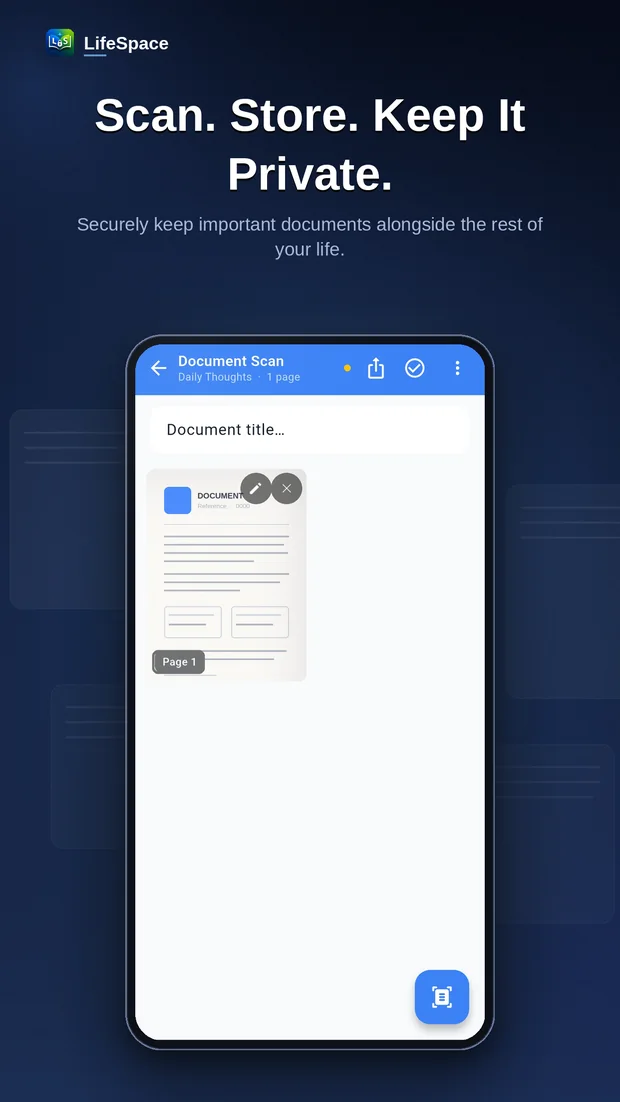
Scan notes, receipts and paperwork with your camera. Multi-page scans are saved straight into your space.
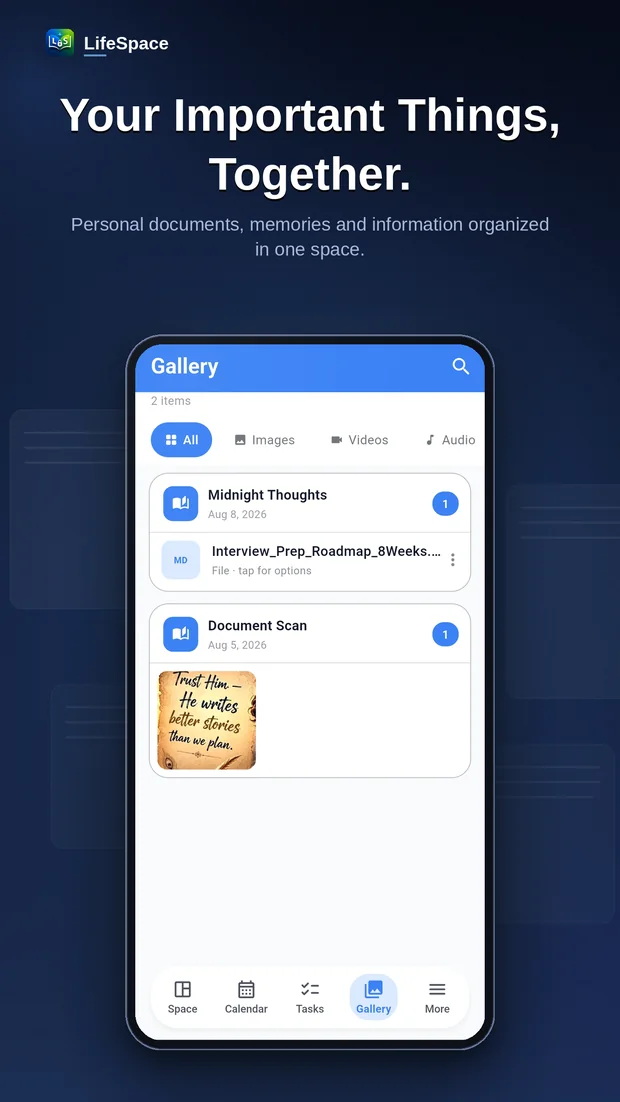
Images, videos, audio and files stay grouped with the entry they belong to, so nothing gets orphaned.
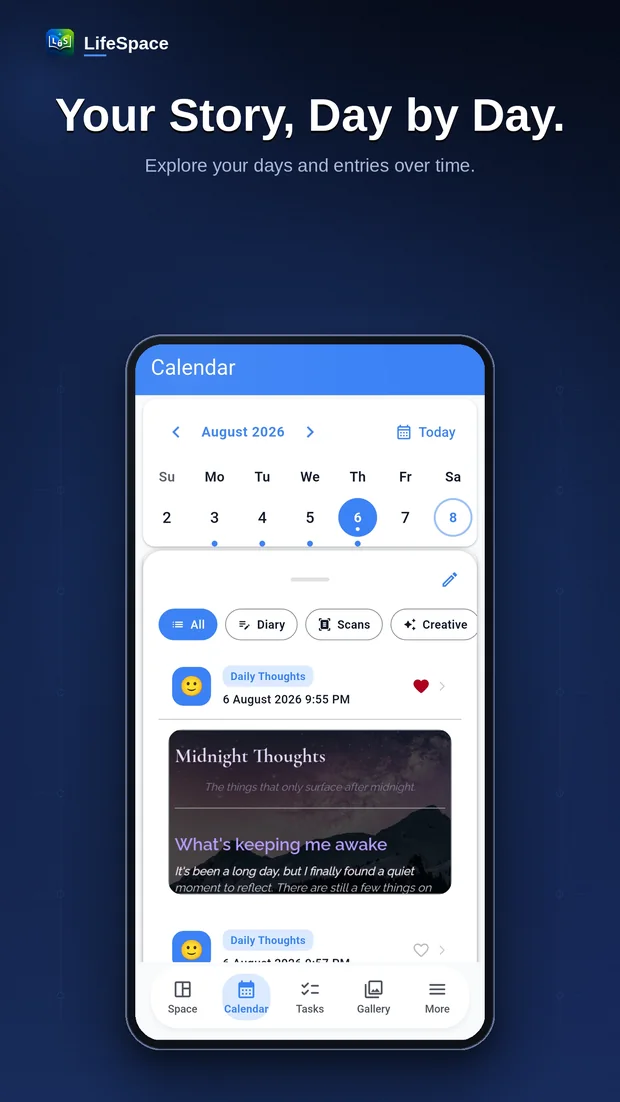
Every entry laid out by date, so you can go back to any day and pick up the thread.
Track what needs doing next to the notes it relates to, instead of in a separate to-do app.
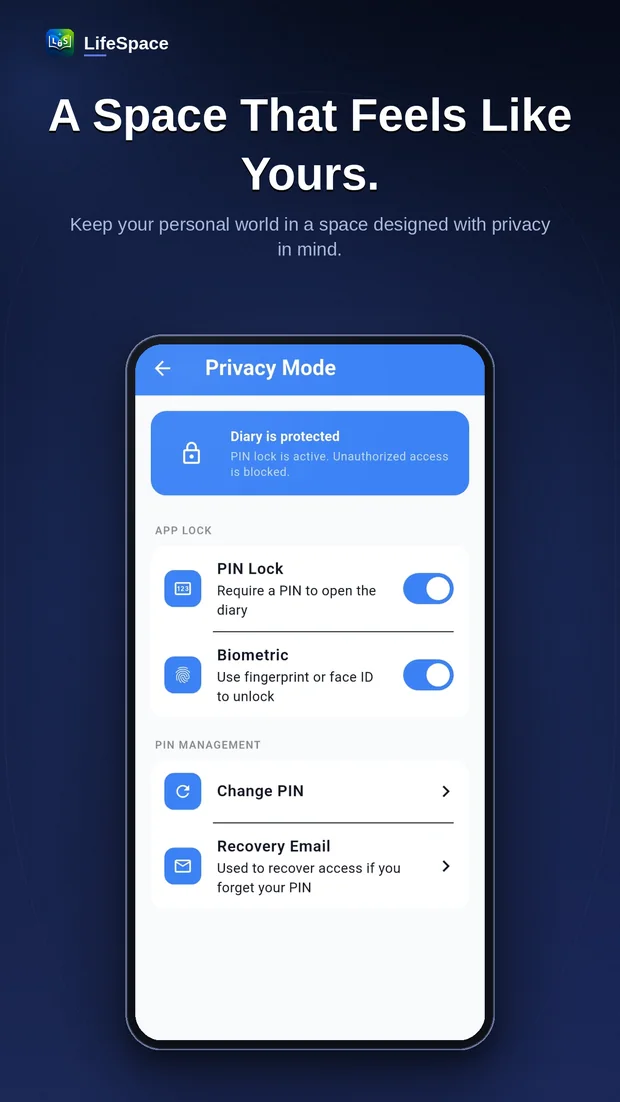
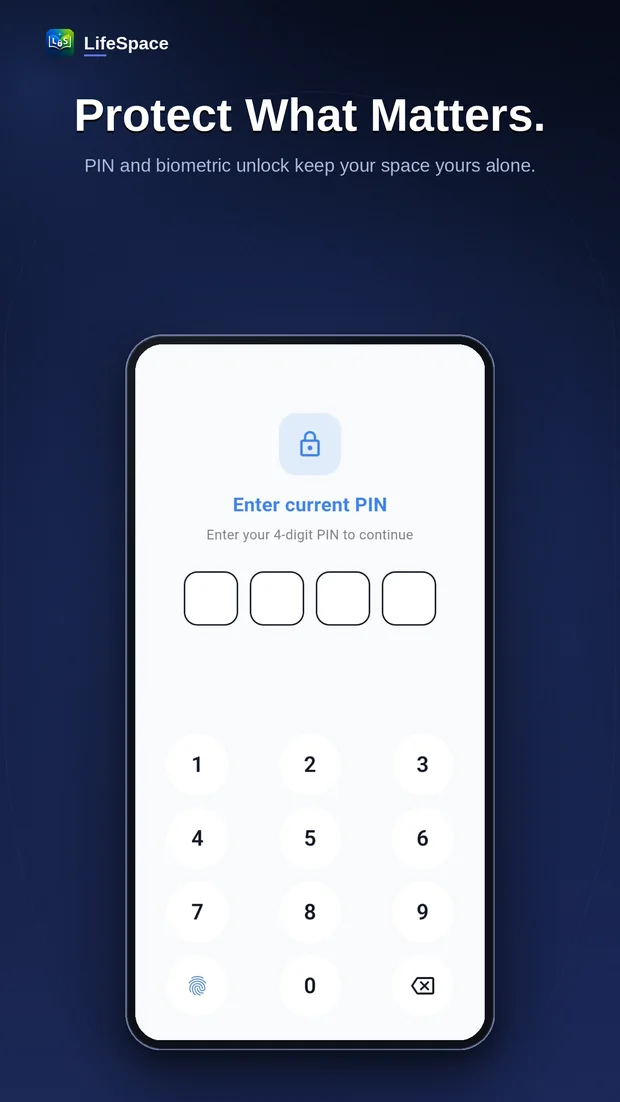
The app opens with a PIN or your fingerprint, so a borrowed phone doesn't mean a borrowed diary.
LifeSpace is built around the assumption that what you write down is nobody else's business.